1-bit 2.0 is on the App Store. Same URL, new build, free update, and a new icon.
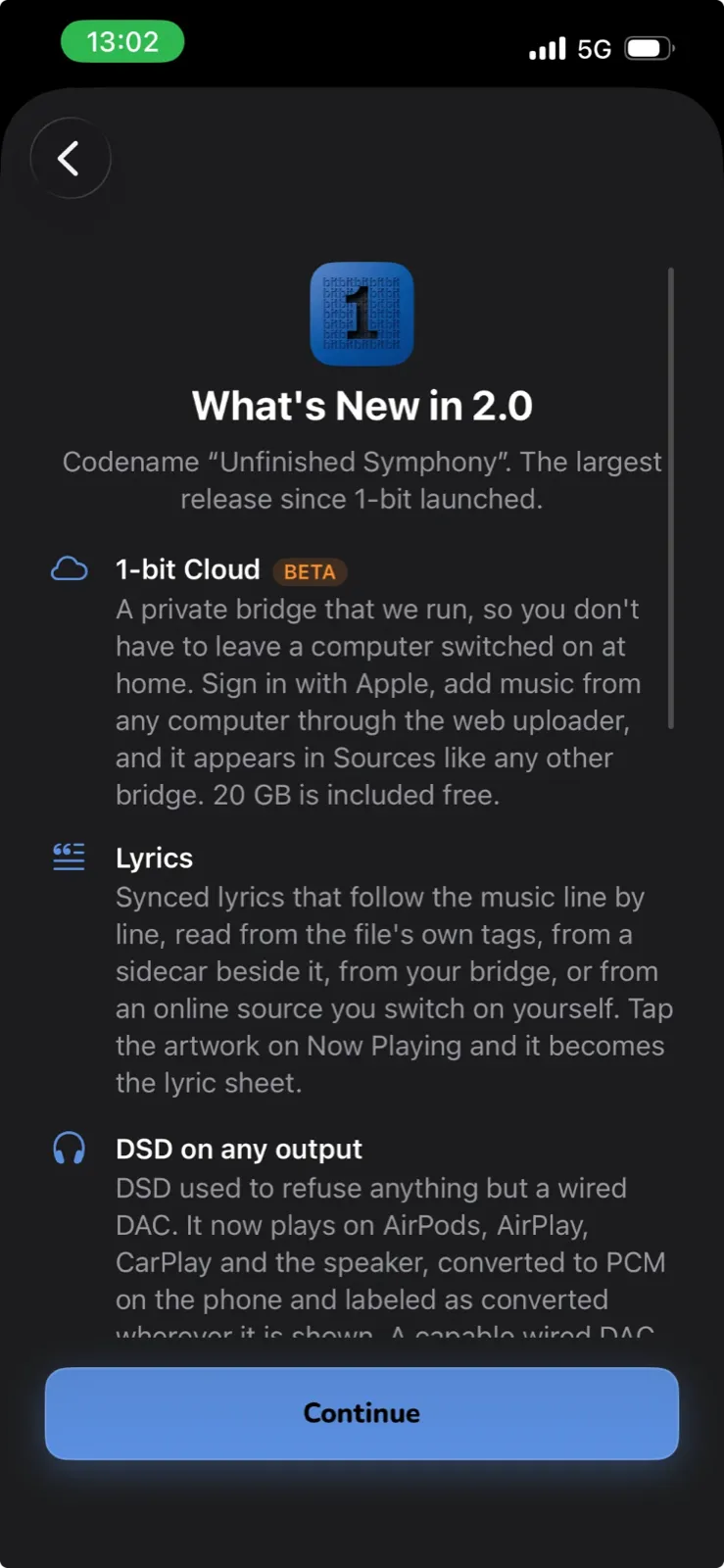
It is the largest release since the app launched, and the first one that changes what the app is rather than what it can do. Until now 1-bit was a player for files on a server you run. It still is. It can now also be a player for files on a server we run, if you would rather not keep a computer switched on at home. That is the headline, and it is the first thing in the app that has ever needed an account. Everything else still works without one.
What’s new
.iso now opens into ordinary per-track rows that play, download and sit in playlists like anything else, with the disc’s own track names. DST-compressed DSDIFF, which the app used to refuse outright, decodes as it plays, gaplessly, through a port of the ISO reference decoder. Both were on the “parked, too expensive” list for a year. They came off it because the decoder turned out to run comfortably faster than real time on an iPhone 13, and because nothing in the bit-exact path had to change for either.DSD256, and a wizard for your DAC
For most of the app’s life the DSD ceiling on iOS was believed to sit at DSD128, on the strength of a confident answer nobody had measured. So I measured it. On an iPhone 13 through a Lightning adapter into a Chord Hugo 2, DSD256 over DoP negotiates its 705.6 kHz carrier and reaches a real DoP lock. There is no iOS ceiling below 768 kHz. Whether DSD256 works is a question about your DAC’s USB descriptors, never about the phone, and the rate sweep in Diagnostics now probes those carrier rates so you can find out for yourself.
Which is why 2.0 also has Profile my DAC under Diagnostics. It runs the same measurements the curated profiles came from, asks you the two things iOS cannot measure (what you heard, and whether the DAC has its own volume control), and hands you an email to support with a paste-ready profile draft. Two DACs are already in the app because someone ran it. If yours is not on the list, that is how it gets there.
Built for iOS 27
On iOS 27 the Lock Screen, Control Center and CarPlay controls run on Apple’s new Now Playing session, including shuffle, repeat and the Favorite heart, which the old command centre could not carry once a session owned the slot. Tracks stored on the device that carry no loudness tag get an on-device loudness estimate, so ReplayGain can level them along with everything else. All of it is gated: on iOS 26.1 the app takes the same path it always has, and there is a single switch in Settings that turns every iOS 27 path off at once if one of them misbehaves.
The parts nobody asks for but everybody notices
The floating player arrives on iPad. On a wide screen it becomes a single bar with the scrubber inline, and the expanded deck gets an Up Next column. The library gains a flat Tracks list. Now Playing was redesigned, with a proper light design for the first time rather than a dark one with the lights on, and an action tray that folds the secondary controls into one button. Settings can be searched. Files on the device give up their tags and embedded artwork more reliably, including FLAC covers iOS never surfaced. And a bridge can now convert DSD ahead of time into a compact rendition for CarPlay and wireless, or a faithful one for a wired DAC that cannot take the file’s rate, so the phone streams a fraction of the size instead of pulling a 794 MB file to convert it locally. The original is always one tap away.
1-bit Cloud, plainly. It is the same bridge software you can run yourself, on a machine we rent in Switzerland. Creating a library switches on playlist backup, favourites and listening history for it, because a hosted library that forgets your playlists is not much use, and the intro sheet says so before you sign in. All of it is switchable afterwards and exportable in one file. Revoking the app in your Apple ID settings suspends the library rather than deleting it; only the in-app delete destroys anything, and it asks you to sign in a second time before it does.
The privacy policy has a section that lists exactly what the service holds, and there is a terms page for the first time, because a free service with accounts needs one.
Same audio path, with one honest addition
On a wired DAC nothing has changed. No transcoding, no resampling, no mixer in the path. DSD goes out as DoP and PCM goes out at the file’s own sample rate, and with everything left at its defaults the bytes that reach your DAC are the bytes in your files. What is new is that the app no longer refuses to play DSD where that path does not exist. It converts, and it tells you. Bit-exact was never the point; knowing what you are hearing was. How DSD playback is handled →
2.0 runs fine against an older bridge. The wire protocol is still v1 and no re-pairing is needed. The renditions and the bridge-side lyrics simply do not appear until you update it.
If you have 1-bit installed: open the App Store and tap update. Your shares, bridge pairings, folders, playlists and settings carry over. The full list is on the changelog, and if anything seems off after updating, write to support@1-bit.app. A big thank you to everyone who sent feedback and reports over the summer. Much of this release traces back to those messages.